
From table to kitchen to end-of-day report
A restaurant management system for single restaurants and small chains: table orders route straight to the kitchen, menus and recipes stay organized, and every shift ends with a clear report.
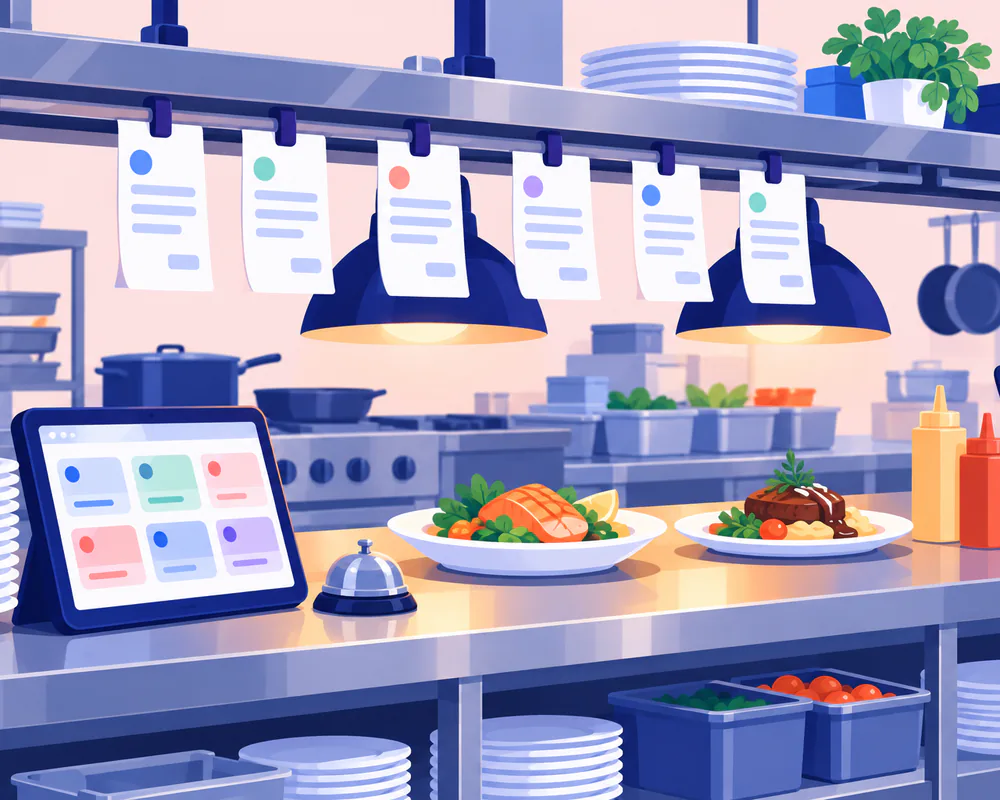
Built for the rhythm of a restaurant shift
Table & order management
Servers take orders per table on a tablet or terminal, and they're sent to the right kitchen station instantly, no paper tickets lost between the floor and the kitchen.
Kitchen ticket printing
Orders print automatically at the correct station (grill, bar, dessert), so the kitchen works from tickets, not shouted orders.
Menu & recipe management
Dishes, prices, modifiers and ingredient lists live in one place, so menu changes and 86'd items update everywhere at once.
End-of-day reporting
Daily sales, best and worst-selling items, and per-shift totals, ready at close without reconciling paper tickets by hand.
From request to service-ready
Tell us about your restaurant
Menu size, number of tables and kitchen stations: request a demo and we'll scope the setup.
We configure it
Your menu, recipes, modifiers and kitchen stations get built into the system exactly as they exist on your floor, no generic starter menu to work around.
Go live with training
Staff training and support included at launch, so the first live shift isn't a guessing game.
Restaurant System FAQ
Who is the Restaurant Management System built for?
Can I see a demo before deciding?
Can the menu and recipes be customized?
Does it connect to accounting or inventory?
Ready to see it running your menu?
Tell us about your restaurant and we'll set up a walkthrough.